What you can see while it works
In the ChatGPT desktop app, Work and Codex can open a built-in browser for tasks that need web pages. You can see the same page, follow the task across several tabs, redirect it, and approve access when ChatGPT asks.
The difference is that the page stays visible inside the desktop app. You can notice the wrong site, account, or source while the task is still running instead of discovering the problem at the end.
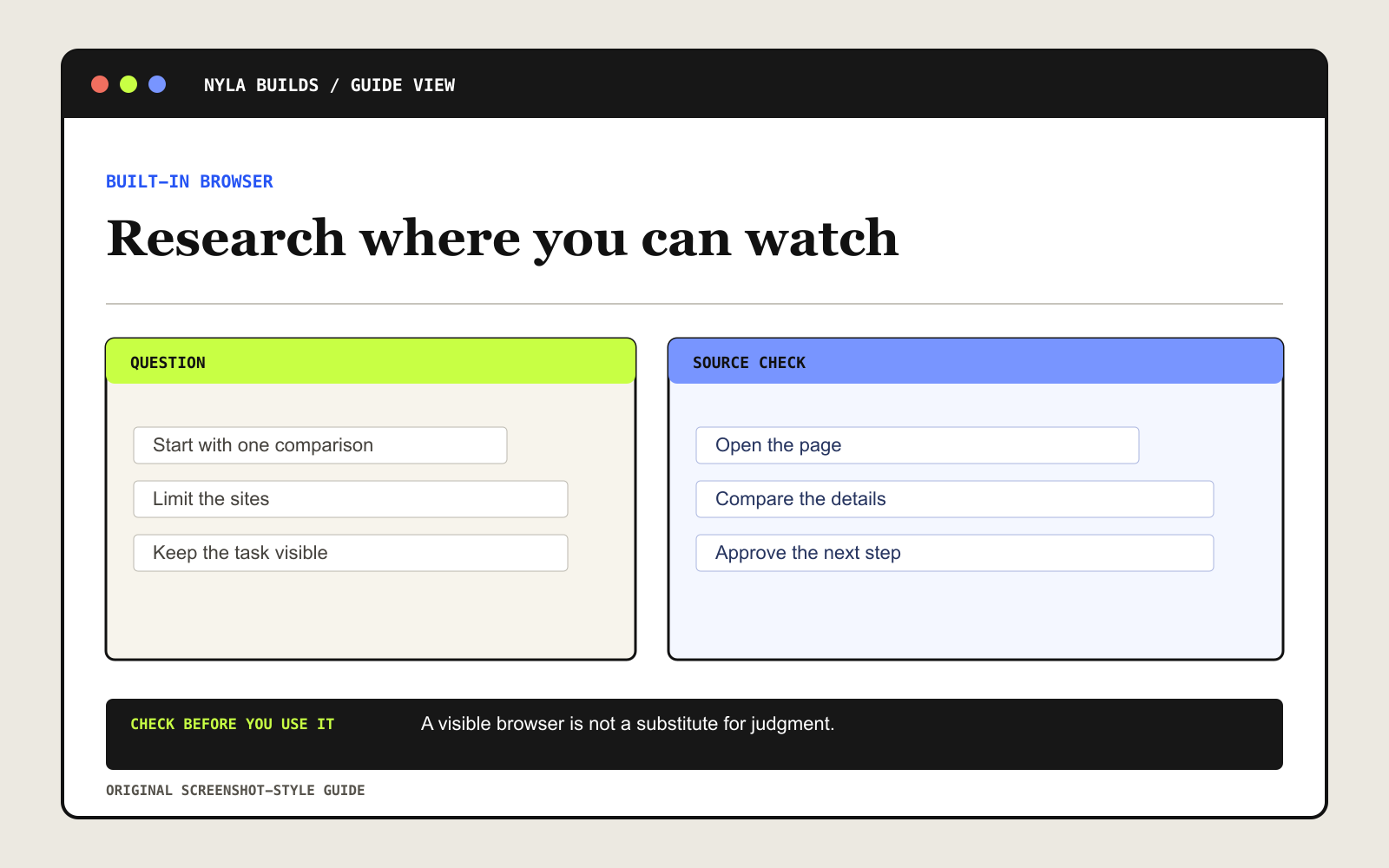
Give it a comparison you can check
Start with something specific that you can check against public sources. Comparing three products is easier to review than asking it to “research the best option.”
Compare three [PRODUCT OR OPTION] under [BUDGET] using the manufacturers’ or providers’ own pages. Return a table with the important differences, tradeoffs, and a source link for every factual claim. Mark missing information instead of guessing. End with the two facts I should verify before choosing. Ask before signing in, downloading a file, or taking any action.Run the first task with the browser open
- Open a conversation in Work or Codex in the ChatGPT desktop app.
- Open the browser from the toolbar and describe the sites, constraints, and result you want.
- Approve only the websites the task actually needs.
- Watch the tabs and redirect the task if it leaves the requested sources.
- Open the cited pages and check the final comparison before using it.
Know when you should use Chrome instead
The browser inside ChatGPT doesn’t share everything with Chrome. If you need your existing Chrome login, open tabs, cookies, or extensions, OpenAI recommends using the Codex Chrome extension where it’s available.
Enter credentials in the browser itself, never in the chat. Before allowing ChatGPT to continue, confirm that the active account and website are the ones you intended to use.
Check access and permissions
The built-in browser is available in the ChatGPT desktop app on macOS and Windows. What you get depends on your plan and work-account settings. ChatGPT Work is coming to paid plans other than Free and Go, so some accounts may not see everything yet.
Not every website or action is supported. A site can block automated access, and ChatGPT may pause for permission or hand the page back to you.