It turns document structure into readable text
Microsoft’s open-source MarkItDown tool converts common file types into Markdown, a simple text format that can keep headings, lists, tables, and links visible to a language model.
It supports documents such as PDFs, Word files, PowerPoints, spreadsheets, HTML, and several text-based formats. It is a converter, not a fact-checker and not a tool for making a confusing document correct.
Use it when the document’s structure is part of the question
- You want to ask AI about a long report but need the section headings and tables to stay understandable.
- You are collecting files for a project and want a consistent text format for searching, reviewing, or summarizing.
- You need to inspect what an AI tool is actually receiving instead of handing it a visually complicated file and hoping for the best.
Try one disposable file before changing your whole workflow
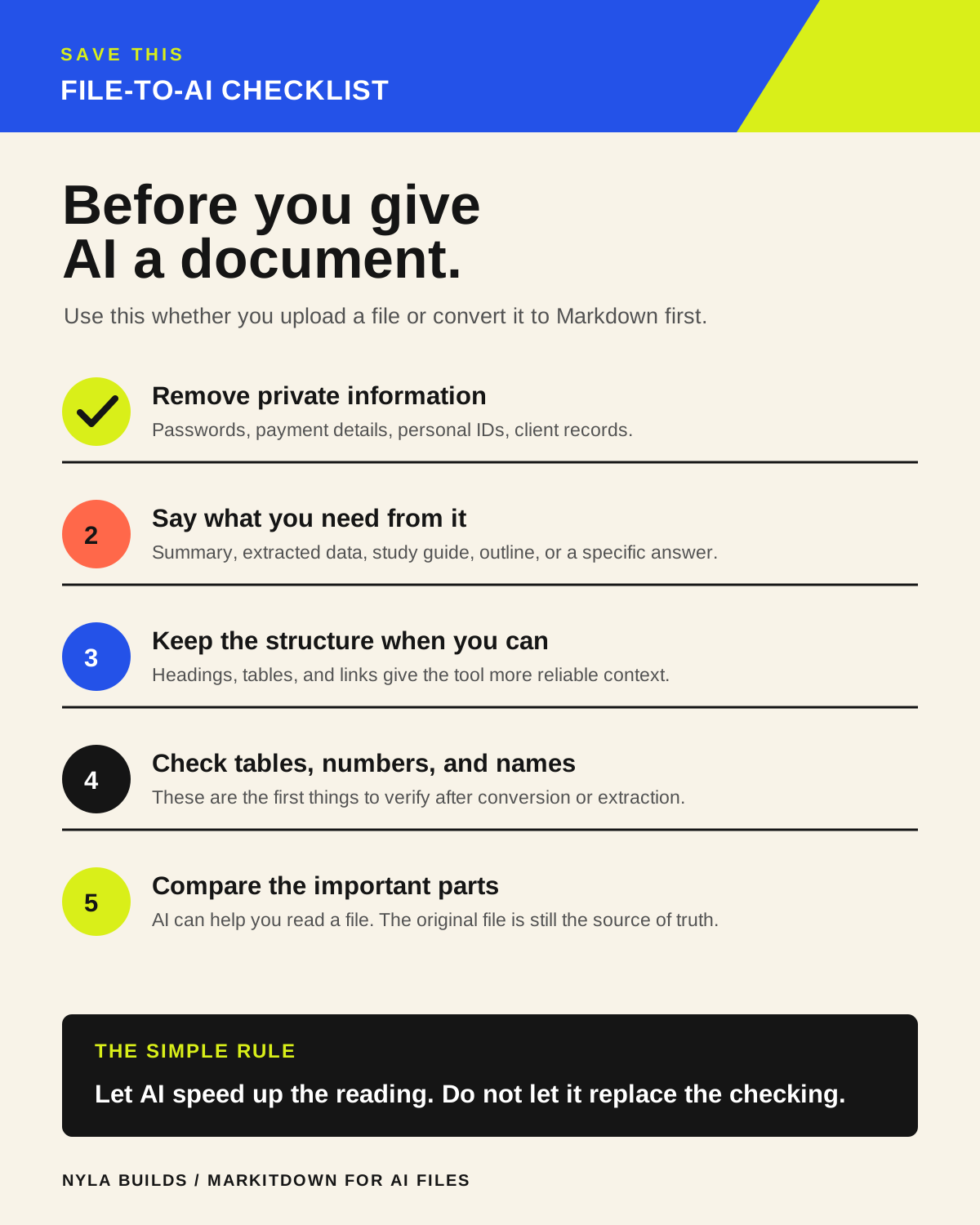
Start with a document you are allowed to use and a question you already know how to answer. Convert it, open the Markdown file, and compare a heading, a table, and a link against the original.
MarkItDown runs with the permissions of the process using it. Do not point it at files, links, or systems you would not trust another program to access.
- Microsoft MarkItDown on GitHub
Official installation, format support, and security guidance.
Conversion is not verification
- Check whether a table, heading, footnote, or link changed meaning during conversion.
- Keep the original file alongside the converted version when the details need to be exact.
- Tell the AI which parts are source material and which parts need checking.
- Do not assume a neat Markdown file means a scanned PDF, old report, or spreadsheet is accurate.