Give the tool a page it can refer to
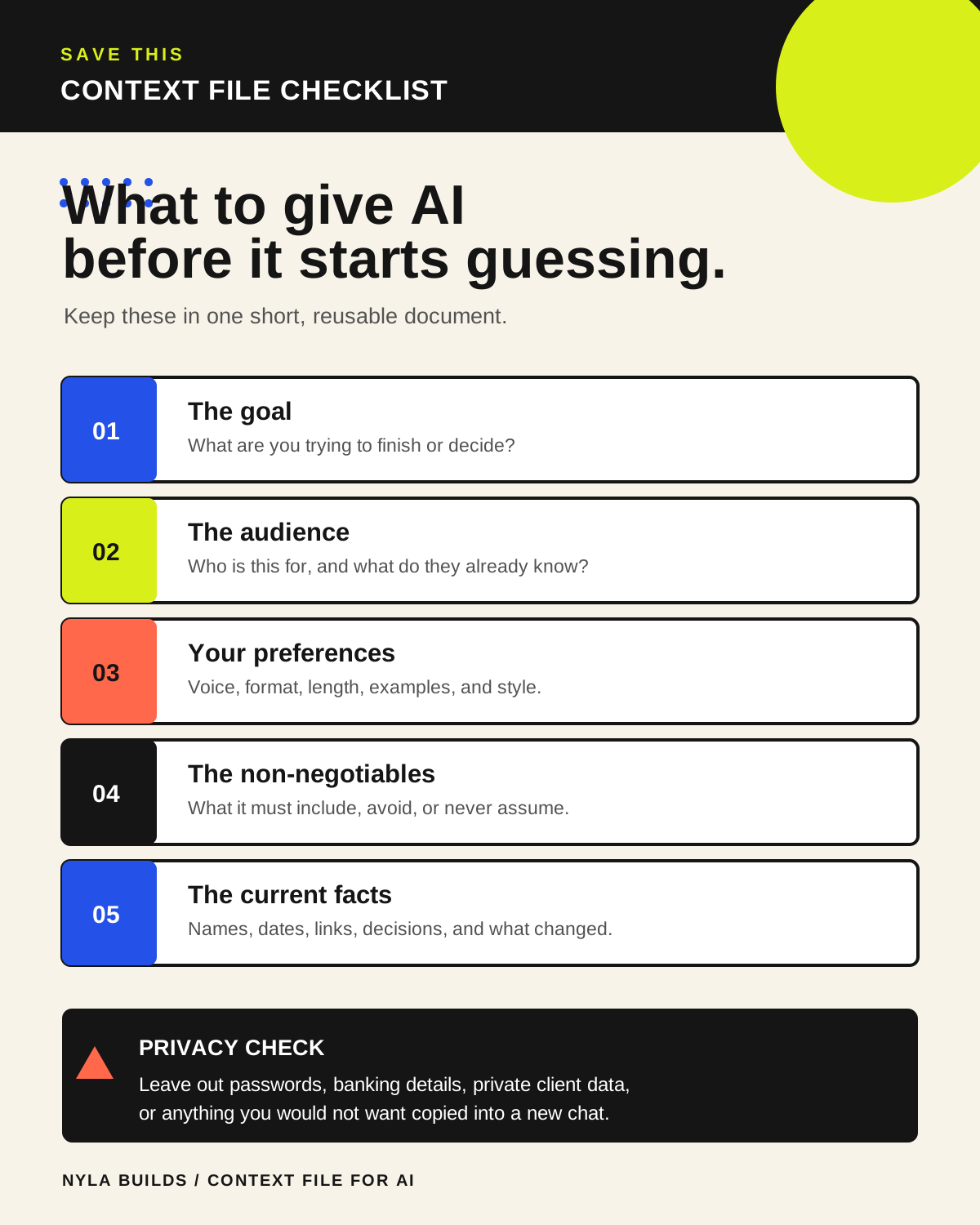
A context file is a short document with the details that regularly change an answer: what you are working on, what you are trying to accomplish, how you like things written, and what the tool should not assume.
It can be a plain note or a Markdown file such as ABOUT-ME.md. The format is not the magic part. The point is putting real, reviewable information in one place instead of hoping an old chat remembers it correctly.
Keep only information that changes the work
- Your current role, project, or goal in a few plain sentences.
- The audience, tone, or format you usually need.
- Preferences and boundaries, such as what to avoid, what must be checked, and when the tool should ask first.
- A small example of work you like, if the tool is helping with writing, planning, or design.
- A final section called Ask Before Assuming for details that change too often to store as a rule.
Make a first version from an interview
Help me create a short context file I can review before I attach it to an AI project. Interview me one question at a time about my current work, goals, audience, preferences, boundaries, recurring tasks, tools, and examples I like. Use only information I give you. Do not guess private details or fill in missing facts.

After the interview, create a readable Markdown file with clear headings and short bullets. Include a final heading called Ask Before Assuming. Show me the draft first, then point out anything I should remove before I save or share it.
A file helps only when the right chat can see it
Attach the file to the chat, put it in the project where you are working, or place it in the folder your coding agent is allowed to read. Different products handle files, projects, and saved instructions differently, so check what that specific conversation can access.
Do not treat a context file as permanent memory across every tool. Review it when your work changes, and remove anything you would not want copied into the wrong chat.
Do a small privacy check before you reuse it
- Remove passwords, private client details, identification numbers, and anything the task does not need.
- Delete old goals and preferences that no longer fit.
- Make sure examples are yours to share.
- Open the next answer and check that the tool used the file correctly instead of blindly trusting it.