Give Claude writing that already sounds like you
Claude needs a few messages you actually wrote before it can help with your next caption, email, script, or reply. Those samples show it your sentence rhythm, vocabulary, and the kind of detail you tend to include.
Make Claude Sound Like You builds a compact voice card first. You can correct it, then use it to find the lines in a draft that sound generic or unlike you.
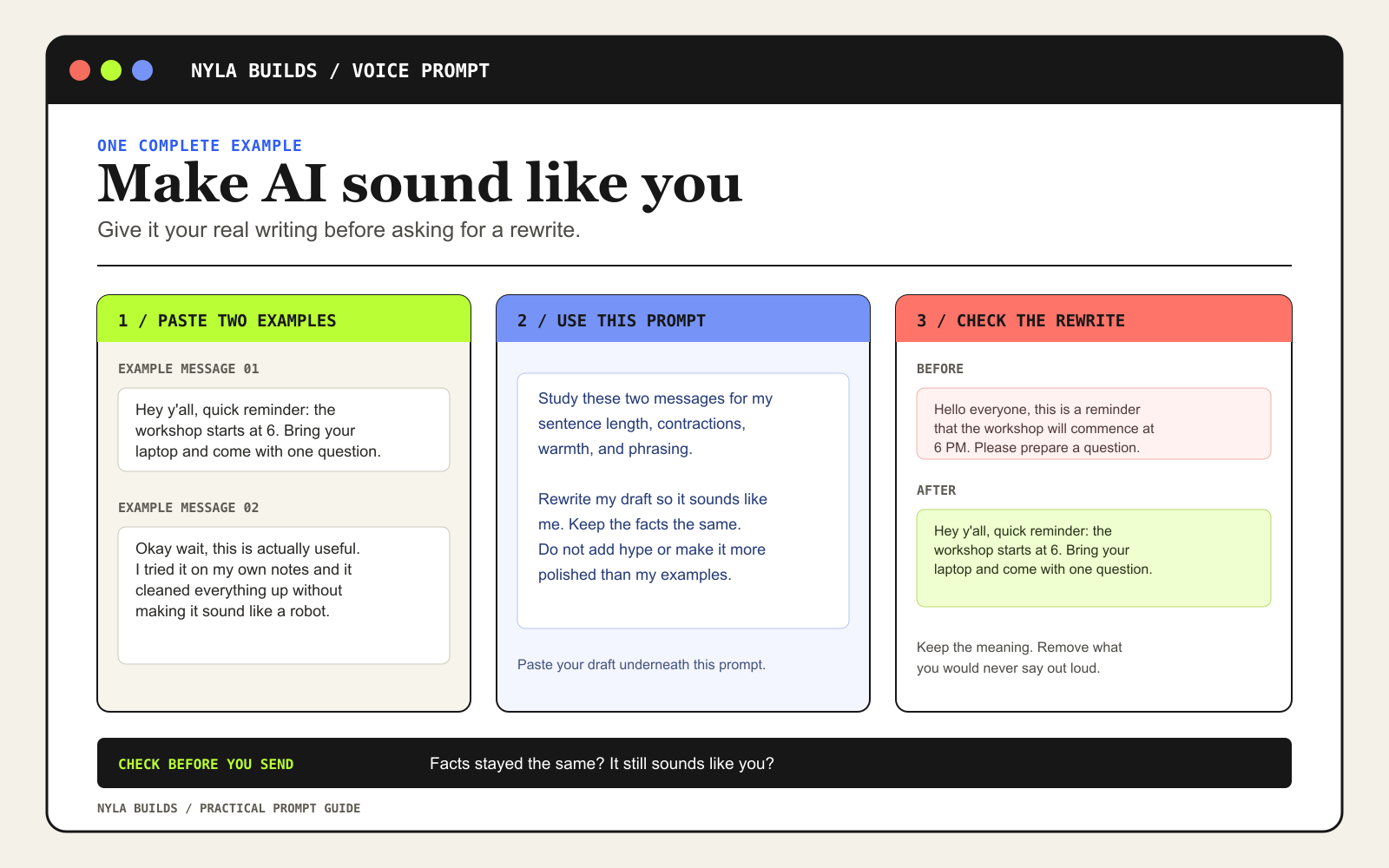
Use three to five samples you wrote yourself
A casual email, caption, reply, script, or post works better than describing yourself as “friendly” or “conversational.” Remove private names and details first. The skill will ask what you are writing and who it is for before it starts the voice card.
See what you are installing
The download contains plain Markdown instructions only. You can read the full skill before uploading it to Claude.
---
name: voice-match-writer
description: Learn a user's writing voice from their own samples, then revise drafts so they sound more like the user and less like generic AI.
---

Ask for three to five samples the user wrote themselves. Build a voice card before drafting. Preserve facts, promises, and point of view. Cut filler, vague claims, formulaic contrast lines, and phrasing the user would not say out loud.
A good first request
Use Make Claude Sound Like You to rewrite [WHAT YOU ARE WRITING] for [AUDIENCE]. Ask me for my samples first. Build a voice card and let me correct it before you revise. Keep every fact and promise the same. Show me which lines sounded generic and what you changed. End with a short review list of any fact, promise, or phrase I should check before I send it.

My samples: [PASTE 3 TO 5 SAMPLES]

My draft or notes: [PASTE]
Check the draft before you send it
- Confirm that every fact and promise stayed the same.
- Check the lines the skill flagged as generic, vague, or unlike you.
- Keep the version you would actually say out loud.
Upload it once, then keep it ready
In Claude, turn on Code execution and file creation in Settings if your account shows that option. Then open Customize, choose Skills, create a skill, and upload the ZIP file. Turn it on after you upload it.
Claude skills are private to your account unless your Team or Enterprise workspace shares them. Read a skill before you install it and keep private customer information out of the examples you provide.
- Anthropic Help Center: Use skills in Claude
Current upload and account setup steps.