Show ChatGPT the Answer That Went Wrong
You fix one sentence, run the prompt again, and ChatGPT gives you the same problem. Ask ChatGPT to point to the missing instruction before you add another paragraph.
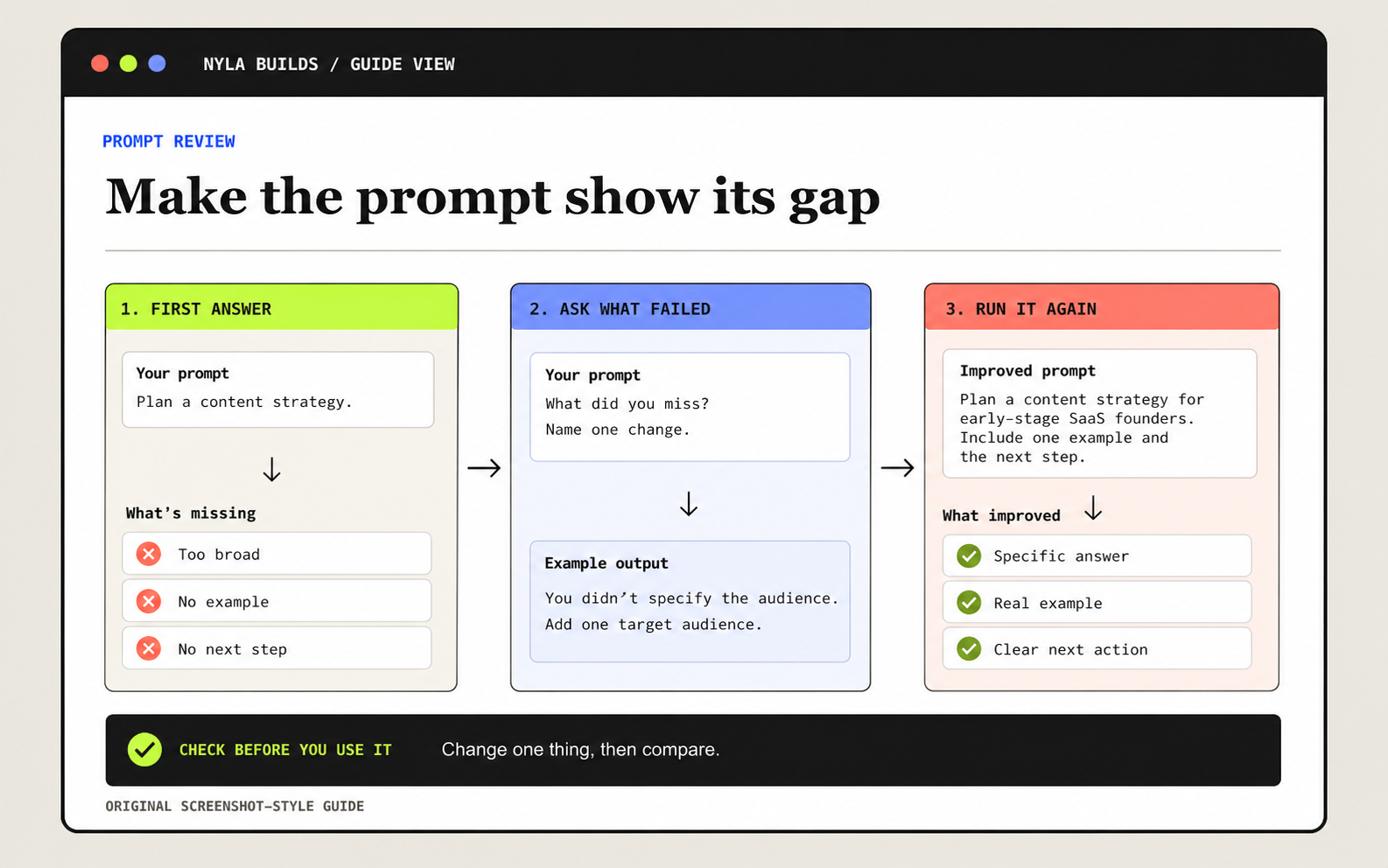
Ask what the prompt missed
After you finish the task, review your answer against my original request.

Return exactly four labeled sections:
1. Followed well: Name one instruction you followed and point to the part of the answer that shows it.
2. Missed or weak: Name one instruction you missed or handled poorly and explain what happened.
3. Suggested instruction: Write one sentence I could add to this prompt to prevent that problem next time.
4. Tradeoff: Tell me what that new instruction might change or make worse.

Do not rewrite the full prompt or apply the change yet. Wait for my approval.
Compare the Review With the Result
Say you asked ChatGPT to turn a rough idea into an Instagram caption, but it keeps making the ending sound like an ad. Paste that result into the review step. If ChatGPT suggests adding ‘Keep the tone conversational and end with a question,’ decide whether that sounds like you before you add it.
Change One Instruction, Then Run It Again
- Run the prompt on a normal task and save the result.
- Compare the review with the result you wanted and choose one instruction to add.
- Add that instruction, run the revised prompt on a similar task, and compare the new result with the first one.