What you are actually buying
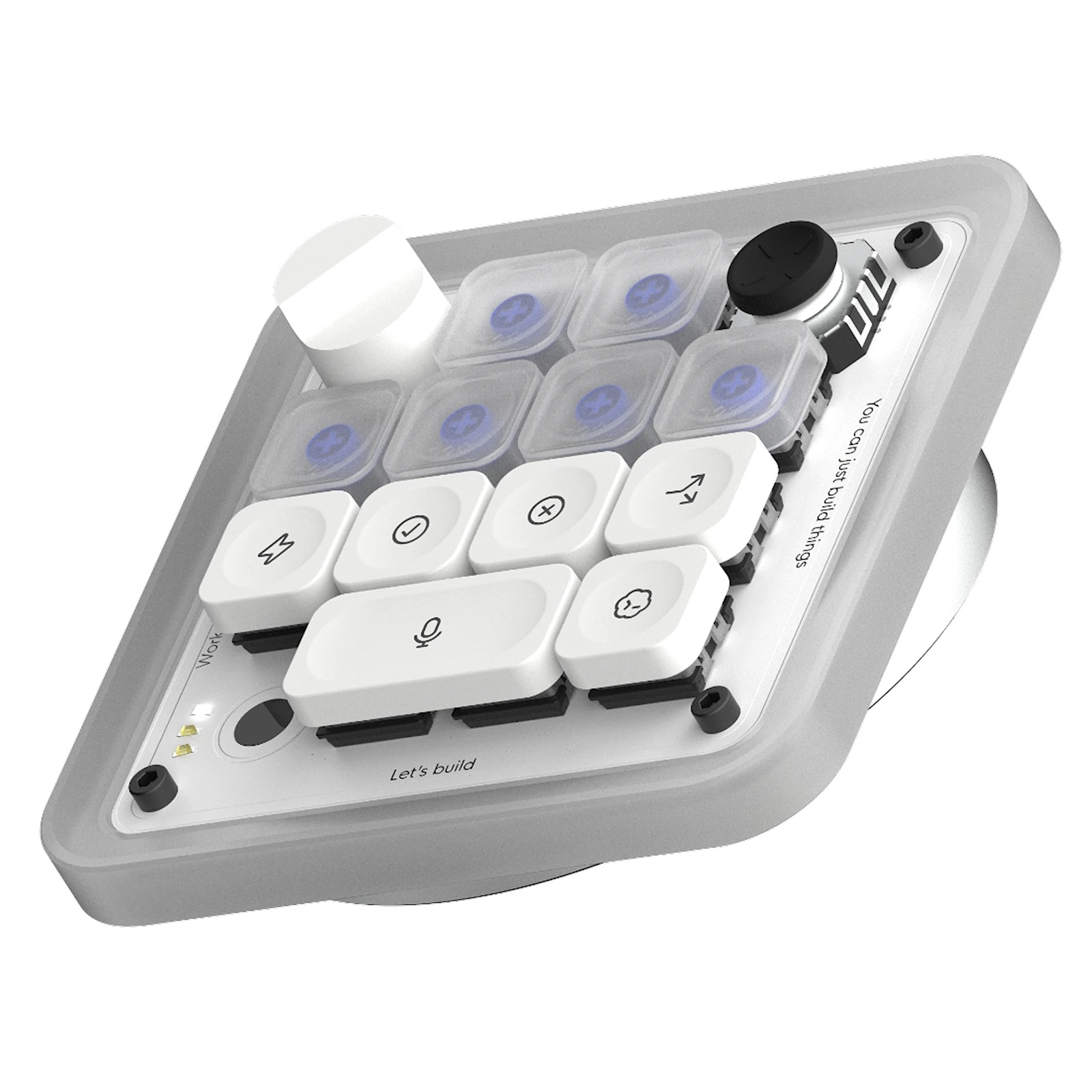
Codex Micro is a $230 physical control pad from OpenAI and Work Louder for people using Codex on software-development tasks.
It will not run an AI project by itself, and it is not a general ChatGPT remote. The point is physical control over Codex: start a workflow, see whether an agent is working, and change its reasoning level without hunting through windows.
The official product page showed it as out of stock when checked on July 19, 2026, so availability may change.
What happens when you press the controls
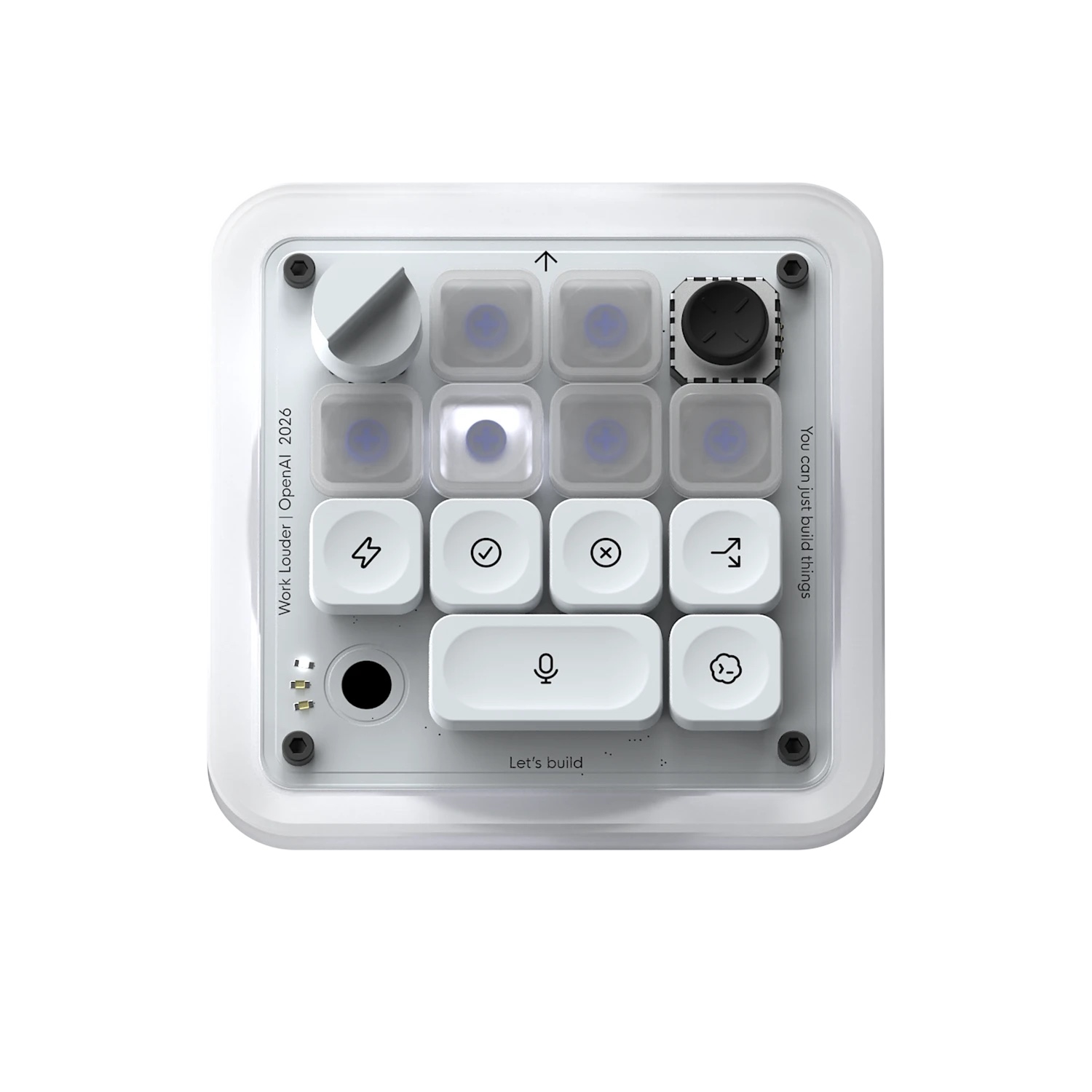
The illuminated Agent Keys can show whether a Codex task is thinking, running, waiting, or finished. That gives you a quick visual status check without reopening every task window.
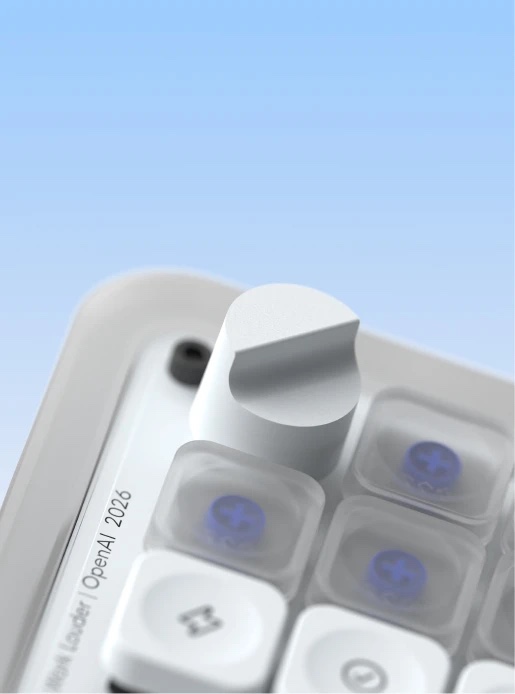
Its joystick can trigger workflows such as reviewing a pull request, debugging code, or refactoring a project. There are also dedicated commands for actions like accepting or rejecting work, starting a new chat, and using push-to-talk. The large dial changes the reasoning level assigned to a task.
Who would notice the difference
Codex Micro makes the most sense for someone who already runs several Codex tasks and repeatedly checks their status, changes reasoning levels, or launches the same technical workflows.
It probably isn’t worth it for an occasional ChatGPT user, someone expecting the device to run AI by itself, or anyone hoping new hardware will fix a weak prompt.
Ask yourself one thing: do you switch windows and check agent status often enough that physical controls would save you time?
Check this before you buy
The device supports Mac and Windows and can connect through Bluetooth or USB-C. Its software requirements include ChatGPT Codex and Work Louder Input.
The package includes the control pad, a USB-C cable, and a Codex icon keycap set. The hardware includes 13 mechanical switches, a touch sensor, a rotary encoder, and a planar joystick.
It’s still an accessory. You need a computer, Codex access, and a workflow worth controlling.
Why OpenAI made a keypad at all
This keypad is niche, but it hints at where AI work is going. Running several agents feels less like asking a chatbot one question and more like keeping an eye on several jobs at once.
One accessory doesn’t mean everybody suddenly needs AI hardware. It does show how companies are testing physical controls for work that currently happens across tabs, terminals, and chat windows.
The honest answer
For developers who use Codex throughout the day, the status keys and dedicated controls could save some repeated window switching.
For most ChatGPT users, it is an expensive desk accessory. If you already watch several Codex tasks at once, the controls may earn their space; if you do not, the software has more value than the keypad.