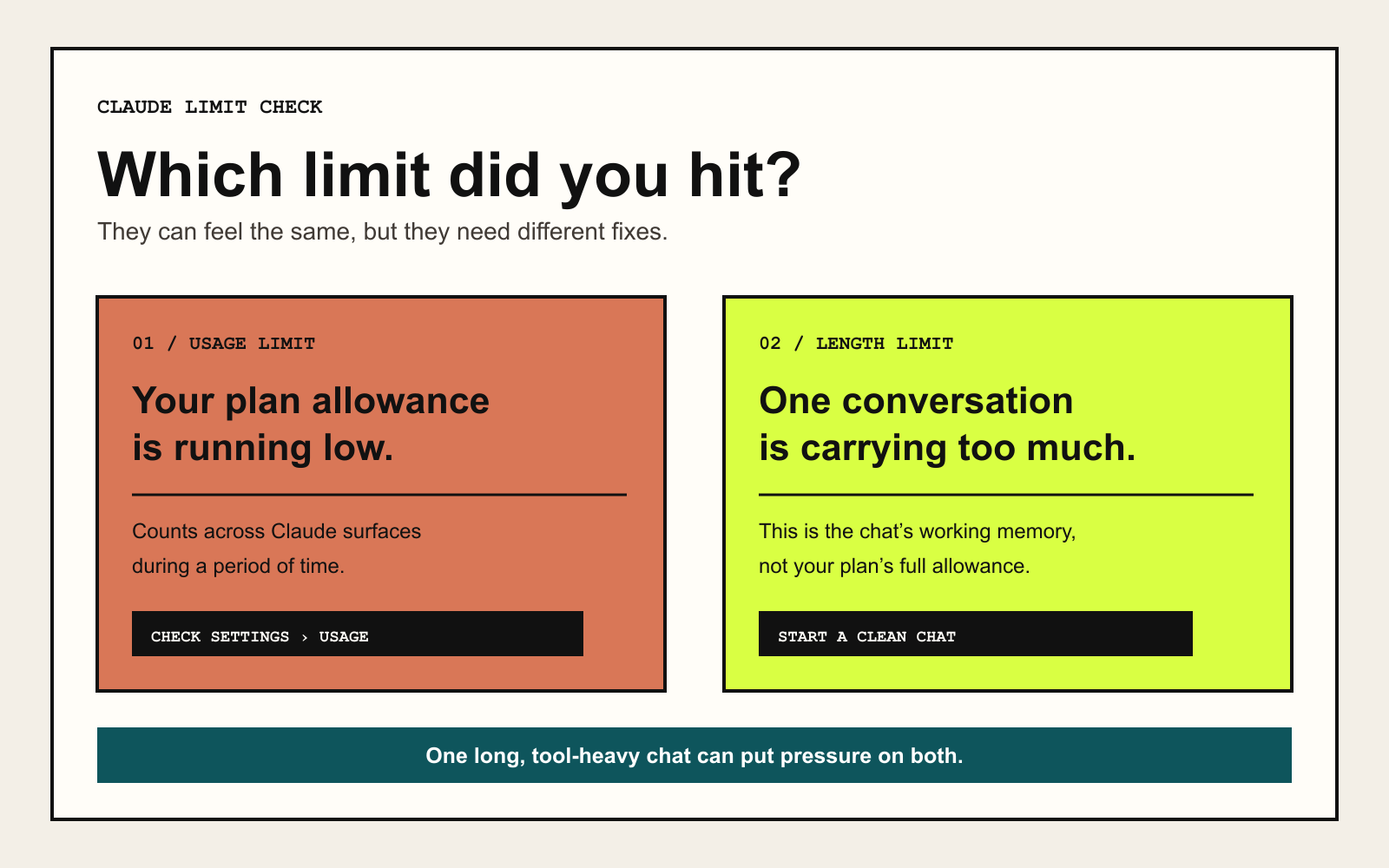
First work out which limit you hit
A usage limit controls how much Claude you can use during a period of time. A length limit controls how much one conversation can hold. A long chat can contribute to both problems, but starting a new chat only fixes the conversation-length side immediately.
Usage across Claude.ai, Claude Desktop, and Claude Code can count toward the same plan allowance. If you reached the usage limit, you may need to wait for a reset, change how you are working, use credits when your plan supports them, or change plans.
A fresh chat can reduce the old context being carried forward when you switch topics. It does not reset a plan-wide usage limit.
Open Usage before changing your workflow
- Open Claude and go to Settings, then Usage. Paid-plan users can see session and weekly progress there.
- Check whether the limit is for your current session, weekly usage, or a model-specific allowance.
- Note the reset time before changing your workflow or paying for more usage.
Spend usage on the part that needs it
Longer conversations, larger attachments, model choice, effort level, artifacts, Research, web search, and other tools can all affect usage. The point is not to avoid every heavier feature. Save those features for the tasks that need them.
- Use a lighter model or lower effort for routine work.
- Turn off Research, web search, and connectors when the answer does not need them.
- Batch related questions and give the important context up front so Claude needs fewer clarification turns.
- Keep recurring reference documents in a Project instead of uploading the same files into every new chat.
- Remove old Project files and shorten instructions that no longer matter.
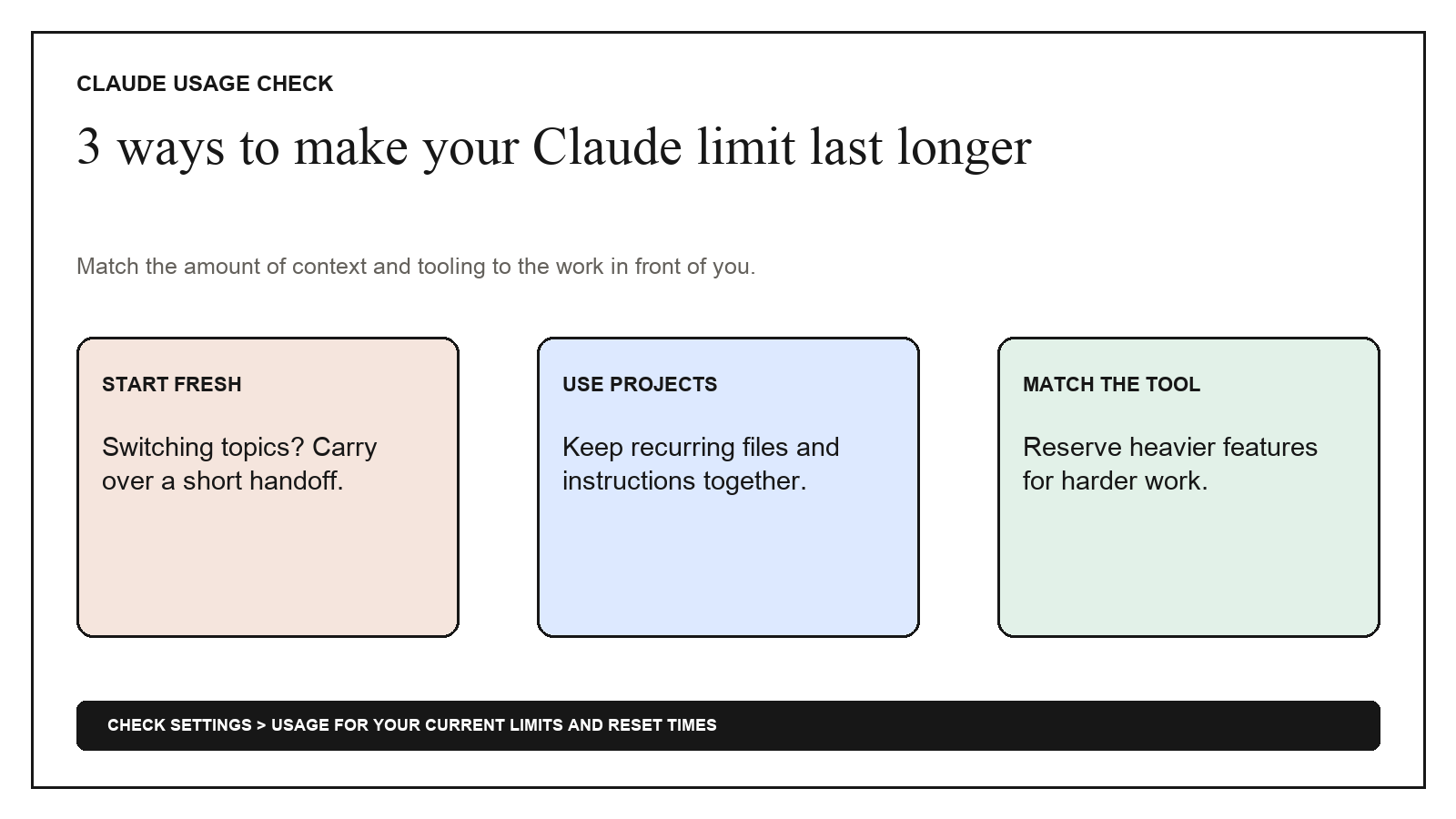
Carry the right context into a fresh chat
Use this when the thread is tangled, the task is changing, or you want a cleaner next step. Read the handoff before you paste it elsewhere; a summary can still omit or misstate something important.
Create a clean handoff for a fresh Claude chat. Include:

1. My goal.
2. Confirmed decisions.
3. Important facts and constraints.
4. Work already completed.
5. Unfinished tasks.
6. Files or sources the next chat still needs.
7. Open questions or assumptions that need checking.
8. The exact next step.

Separate confirmed information from assumptions. Do not invent missing context. Keep the handoff concise enough to paste as the first message in a new chat.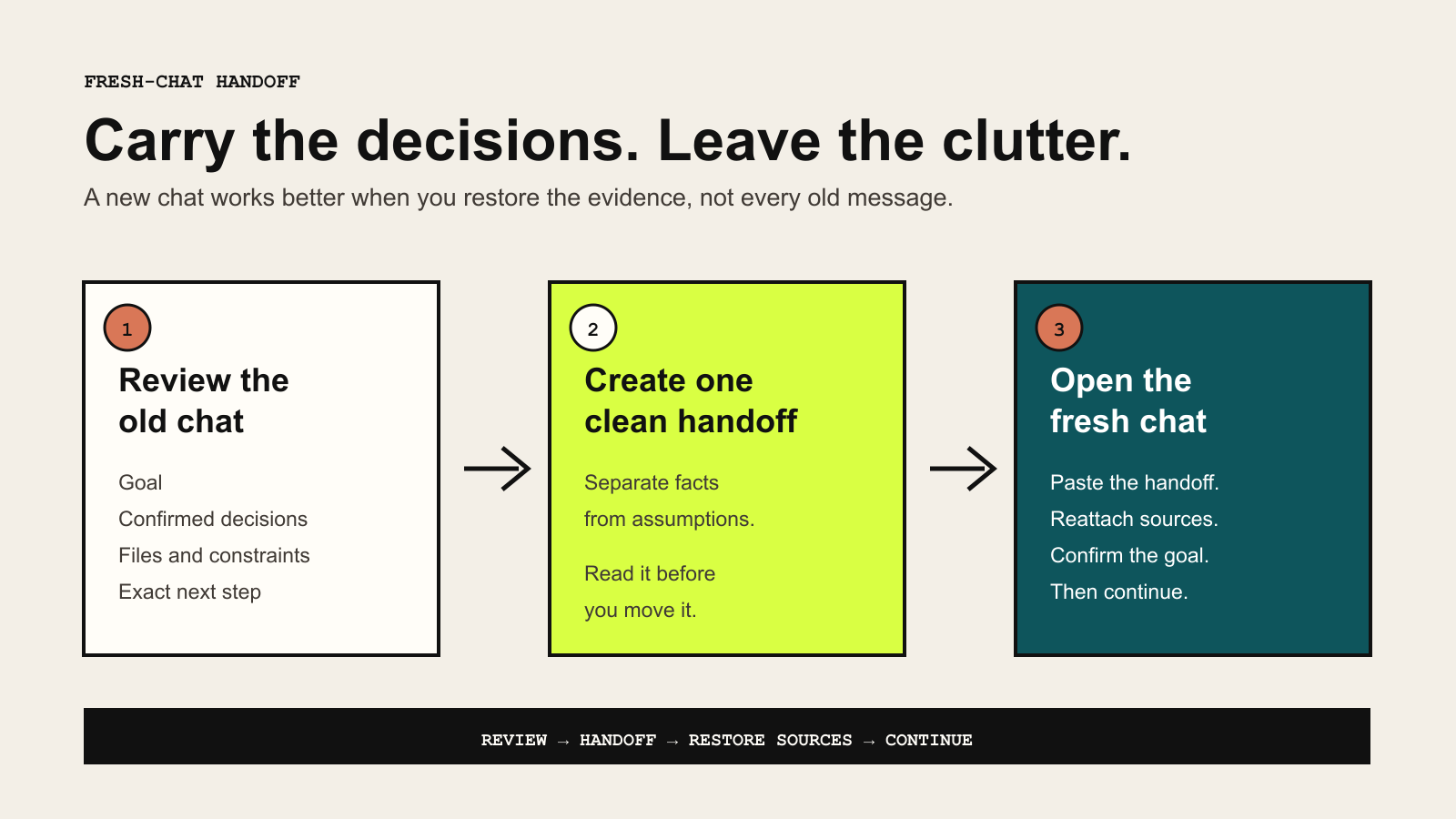
Restore the source material, not the whole history
- Paste the reviewed handoff into the new chat.
- Reattach the current files or open the correct Project so Claude can see the real source material.
- Ask Claude to restate the goal, constraints, and next step before continuing.
- Correct anything missing before the new chat starts producing work.