Give ChatGPT a file it can read
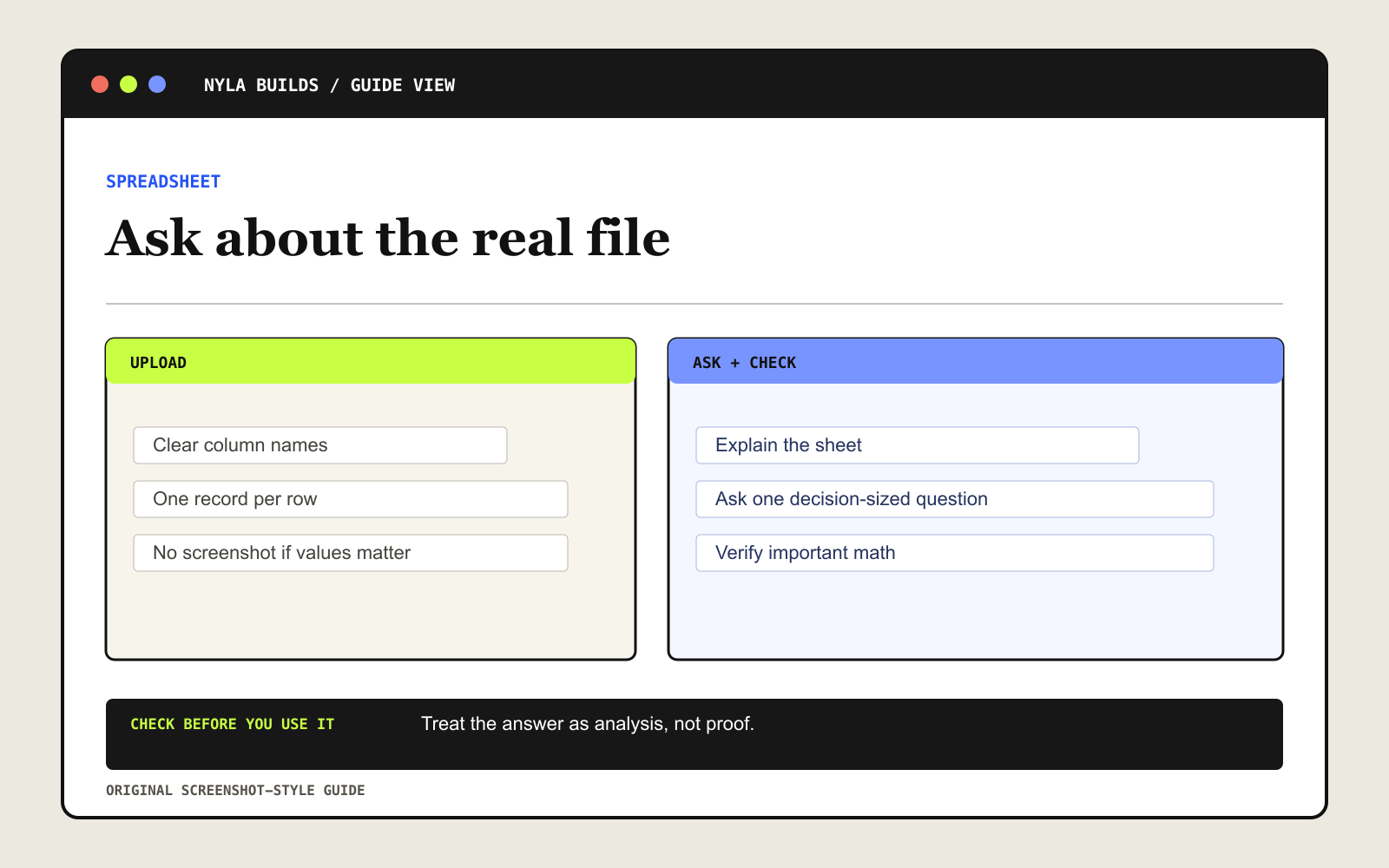
ChatGPT works best when the first row contains clear column names, each row represents one record, and unrelated tables are separated. Remove empty rows or columns that split the data.
Use a real spreadsheet or CSV when exact values matter. A screenshot of a table is harder to analyze reliably.
Ask what is in the sheet before asking for an answer
Inspect this spreadsheet before changing anything. Return exactly four labeled sections: sheets and columns, unclear headers or missing values, suggested column names, and assumptions. Do not change formulas or calculate conclusions yet. Wait for my approval before editing the file.Ask one question tied to a decision
Do not ask it to “find insights” and hope the right answer appears. Name the decision you are trying to make and the columns that matter.
Using [SHEET OR TABLE], answer this question: [ONE QUESTION]. Show the rows and columns used, explain the calculation, flag missing data, and return a small review table. Do not invent values or silently exclude rows.Questions you can try first
- Where did monthly spending increase the most?
- Which invoices are overdue, based only on the due-date and payment-status columns?
- Which content topics had the highest median views-not only the biggest single post?
- Which client category produced the most revenue after refunds?
Check the rows behind the answer
- Confirm the sheet, columns, date range, and filters used.
- Spot-check at least three source rows.
- Ask to see the calculation or generated code when the result could affect a decision.
- Recalculate important money, health, legal, or business decisions independently.
Know the limits
Supported file types and limits can vary by model, plan, workspace, and account. Large, complex, image-heavy, or poorly structured files may be analyzed incompletely.
ChatGPT can help you organize, calculate, and visualize. It cannot make a bad source file trustworthy, and a confident table can still be wrong.